How to Add Music to a Video
There's no doubt that a video with the right music is more entertaining. Adding music brings your footage to life — making it feel connected, meaningful, and polished.
When You Need This
Drone Footage
Drone clips often have no usable audio. Music transforms silent aerial shots into a cinematic experience.
Action Cameras
Skiing, surfing, biking, diving — action cam audio is wind and noise. A music track makes it electric.
Highlight Videos
Trips, travel, weddings — any event recap is instantly more memorable set to the right song.
Beat Sync — The Hard Way vs. the AidVid Way
Ideally you want your cuts to land on the beat of the music, so the content matches the emotion and rhythm of the track. With traditional editors, perfect beat synchronisation requires significant skill, time, and effort — every cut placed manually, scene by scene.
With AidVid you achieve this in 2 easy steps:
Step 1 — Import Footage
Upload your video clips from any device — phone, GoPro, drone, or camera.
Step 2 — Select Music
Upload your own track, or let AidVid generate one from a mood — AidVid handles the rest automatically.
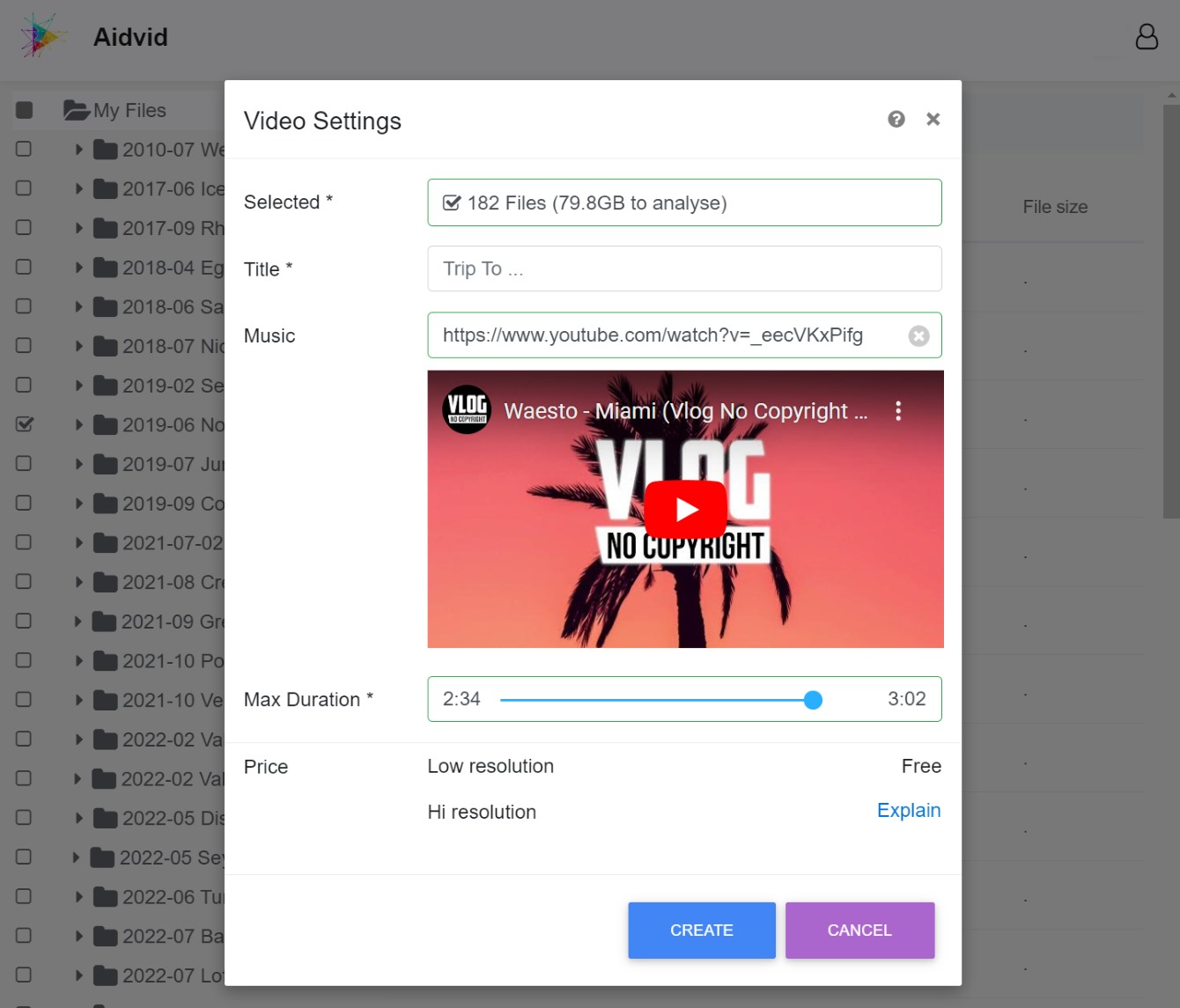
Two Ways to Add Music
Upload Your Own Track
MP3, WAV, M4A, AAC, FLAC, or OGG — upload a track straight from your device.
Let AI Generate One
No track in mind? Pick a mood, energy, and style — AidVid composes a soundtrack just for your video.
AidVid analyses your music, then selects fitting video content and syncs the cuts to the beat. It assembles the final video with captions, location tags, transitions, colour correction, and colour grading — ready to watch and share.
Go ahead and elevate your videos. Check out example videos made with AidVid.