AI Video Editor
for Travel Footage
Upload your travel clips and get a professionally edited travel video — no editing skills needed. AidVid's AI picks the best moments, syncs them to music, and delivers a cinema-quality highlight reel.
Make My Travel Video — FREE*Free low-resolution preview • Pay only if you love the result
From Raw Footage to Finished Video
Four steps. Zero editing skills. Video you'll actually want to watch.
Upload everything — GoPro clips, drone shots, shaky phone videos from the hotel bar at 1am. We'll sort the good stuff.
Any amount of files • Any format: MP4, MOV, AVI, MKV ... 4K included • Any camera: GoPro, DJI drones, iPhone, Android, DSLR • No app to install • Just a browser
Provide music, or let AidVid generate one for you — set the length: short for Instagram, mid for recap, long for the grandparents.
Upload your own track (MP3, WAV, M4A, AAC, FLAC, OGG), or pick a mood and let AidVid generate one for you • Set time slider to control preferred duration.
Our AI reviews every clip, scores it for visual quality and motion, picks the best moments, syncs cuts to the music, then adds transitions, captions, and colour grading.
AI: Evaluates hundreds of thousands of possible scripts • Picks the best for your footage and music
Watch your video. Share it on YouTube, Instagram, or Facebook — or just drop it in the family group chat. If it's amazing, pay once and download full HD. If it's not your thing, try with different music.
Pay → download → share • Output: MP4 • Resolution matching your source footage • Download as many times as you need • Ready for YouTube, Instagram & Facebook
No credit card required to start
Why Travelers Choose AidVid
No Installation
Fully online — just open your browser and start.
Zero Learning Curve
No complex interface to master.
Saves Hours
AI reviews and edits your footage automatically.
Smart AI Selection
AI picks the most visually striking moments.
Your Length, Your Style
Short reel or full-length — you set the duration.
Free to Try
Preview free. Pay only if you love the result.

Smart Automations
Common video problems — detected and corrected automatically
Auto Rotate
Recorded a clip sideways or upside down? AidVid's AI model visually detects the wrong orientation and corrects it — no manual fix needed before uploading.
Location Titles
When GPS data is present in your footage, AidVid looks up the real place name — a landmark, town, or region — and adds a location title to that clip automatically.
Color Correction
Clips recorded in a flat or log color profile — like GoPro ProTune or DJI D-Log — come out grey and washed out by design. Clips shot in low light come out muddy and underexposed. AidVid analyzes every frame and corrects color, contrast, and exposure automatically.
Smart Clip Filter
Every clip you upload is analyzed moment by moment and scored for sharpness, exposure, and visual interest before editing begins. Blurry pans, pitch-black stretches, and out-of-focus sections are silently skipped — while the good moments from the same clip still make it into your video.
Every cut lands on the beat
AidVid detects the beat, tempo and mood of your music, then times your best travel moments to match. No beat markers, manual trimming or timeline editing.
AI Music Generation
No track picked out? No problem. Pick a mood, energy level, and style — AidVid's AI composes a custom instrumental soundtrack for your footage, generated to fit the exact length of your video.
Example Videos Created with AidVid
From raw GoPro and drone footage to a polished highlight reel — automatically.
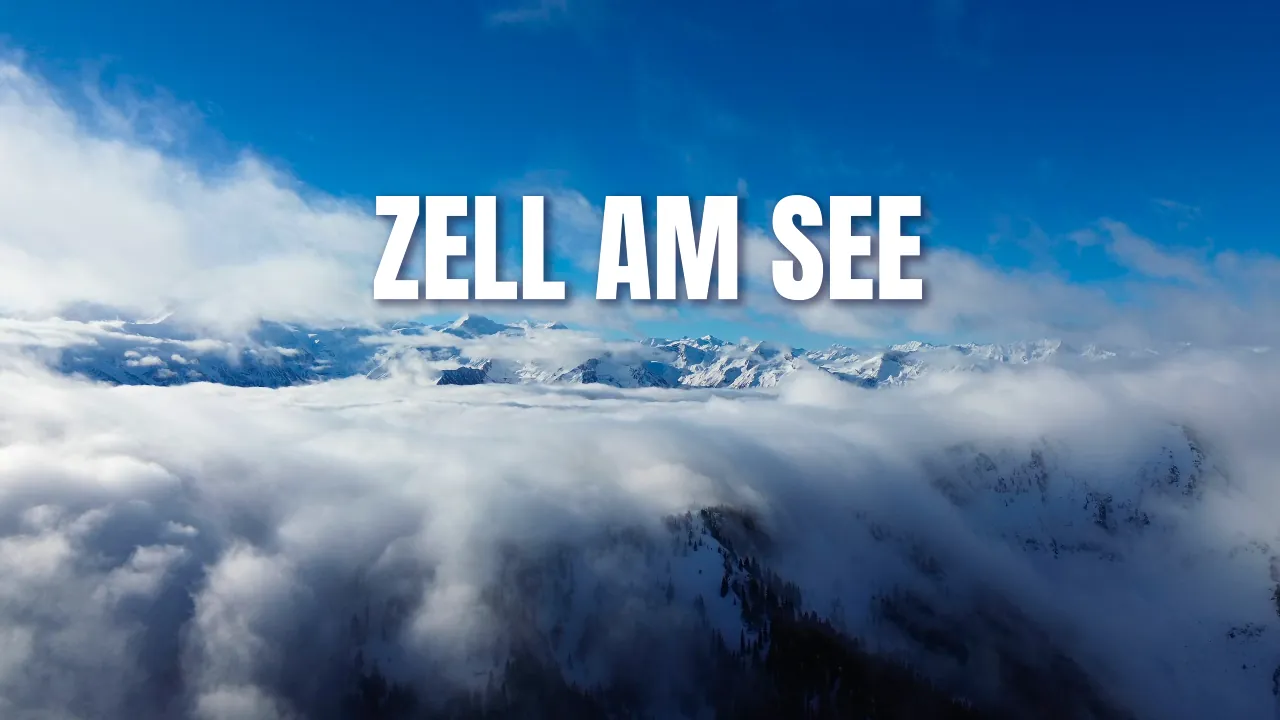
Skiing Zell am See Video, Auto Edited
A week of Alpine skiing in Zell am See—94 clips and 3.5 hours of footage turned into one highlight video.
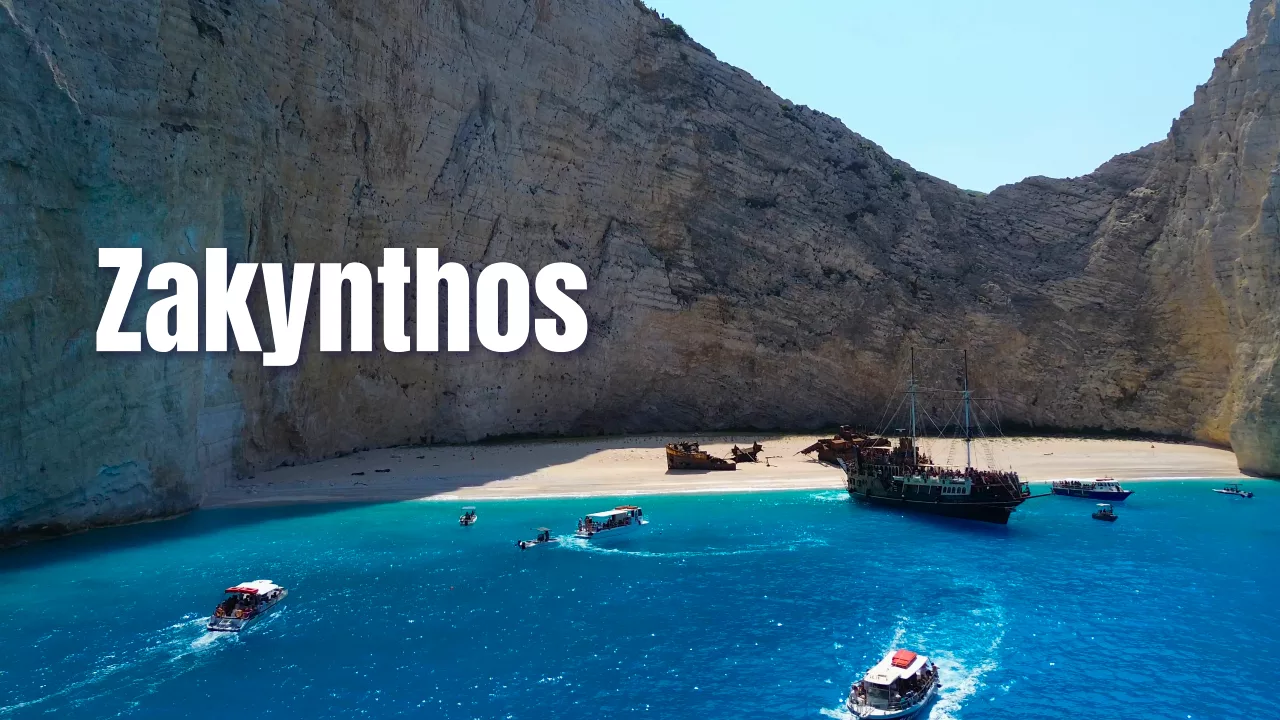
Zakynthos Island AI Travel Video
From Laganas to the Blue Caves and Navagio—explore Zakynthos in a cinematic, auto-edited travel video.
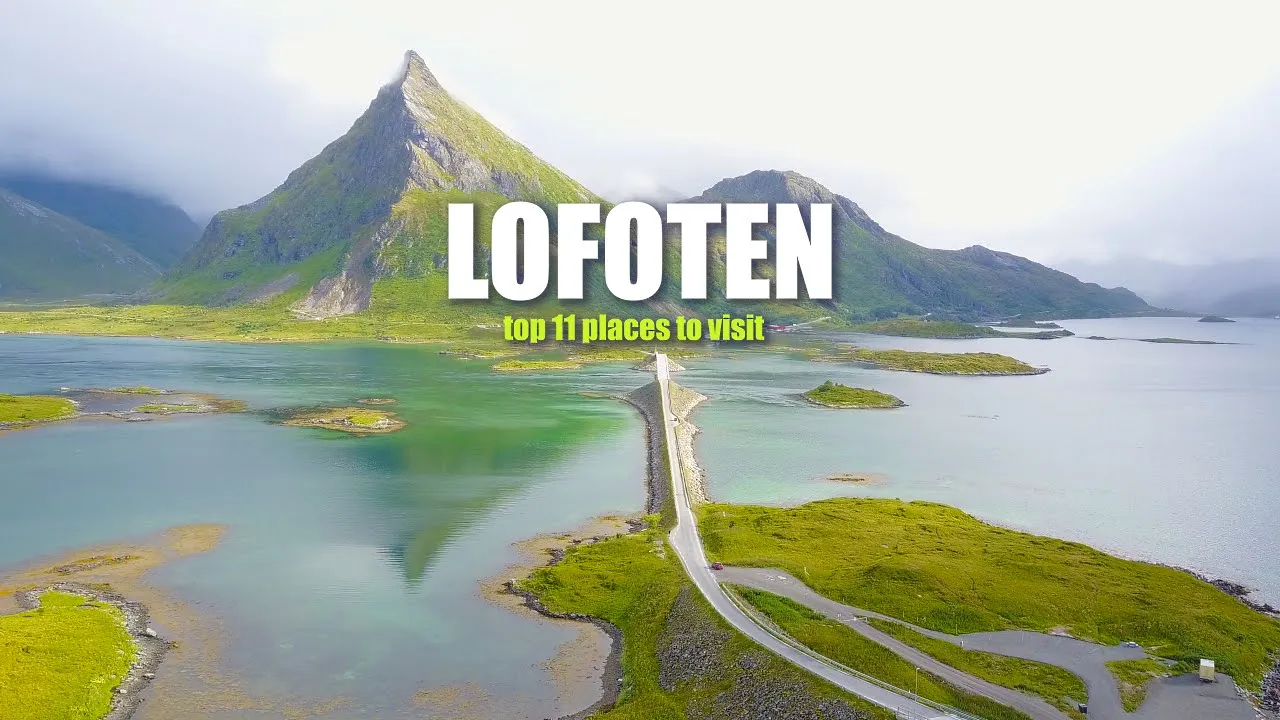
AI-Edited Lofoten Travel Video in Seconds
Turn your Lofoten footage into a cinematic travel highlight reel—automatically synced to music.

Epic Norway Hike Video with Zero Editing
Create a stunning nature video from your Norway hiking trip—automatically edited by AI.

Faroe Islands Video from GoPro and Drone
Auto-generate a cinematic Faroe Islands trip video using your raw GoPro or DJI Mavic footage.

Crete Greece Travel Video – Fully Automated
Transform your Crete trip footage into a polished video without manual editing.

Dolomiti Ski Trip Video Synced to Music
Auto-create your Dolomiti Superski video—highlighting your best ski moments with music.

Magical Disneyland Video Recap
Automatically create a magical recap of your Disneyland Paris trip—perfect for sharing.
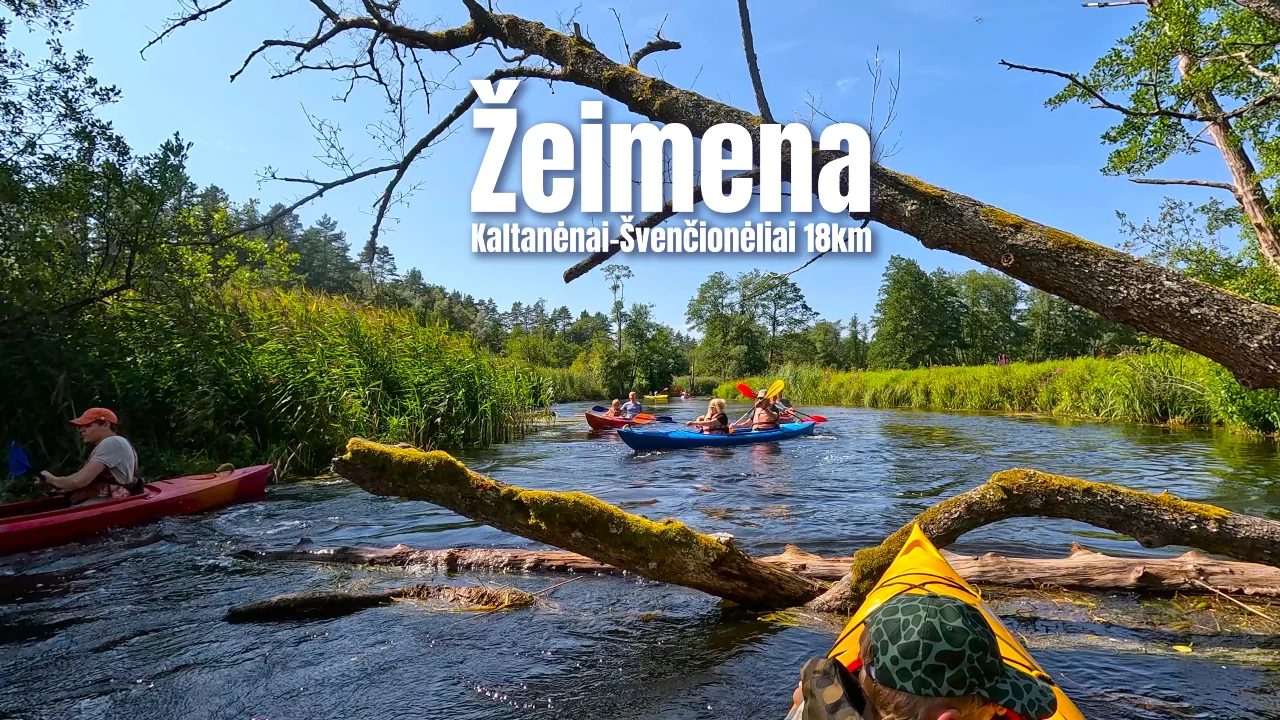
Žeimena River Kayaking Trip Video
Turn your Žeimena River kayaking adventure into a highlight video—automatically edited by AI.

Calabria Region Travel Video Made Easy
Seamlessly and effortlessly create Italy’s Calabria region video in our fully automated online editor.

Corfu Island AI Travel Video
Create a Corfu travel video in seconds—just upload, and let the AI do the rest.

Andorra Drone Video, Auto-Edited
Skiing in Andorra? Instantly turn GoPro or drone footage into a dynamic highlight video.
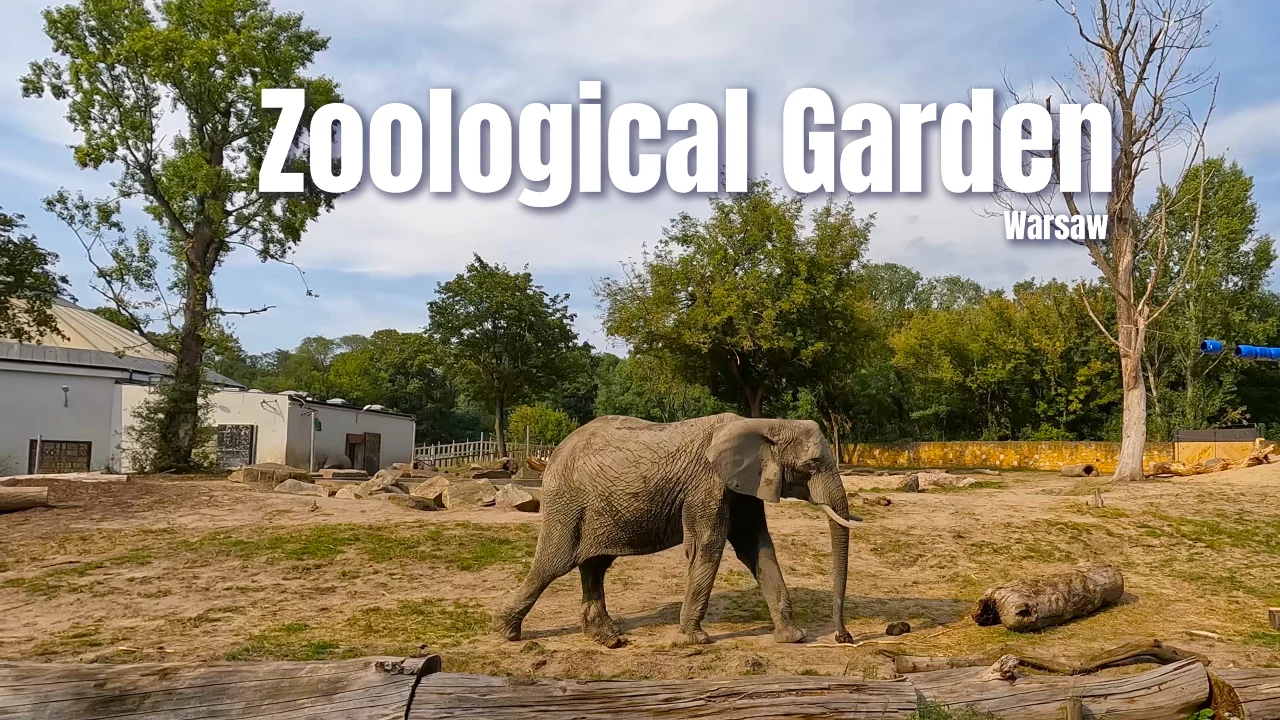
Zoological Garden in Warsaw Recap Video
Turn a family day at Warsaw Zoo into a fun highlight video—automatically edited from GoPro footage.
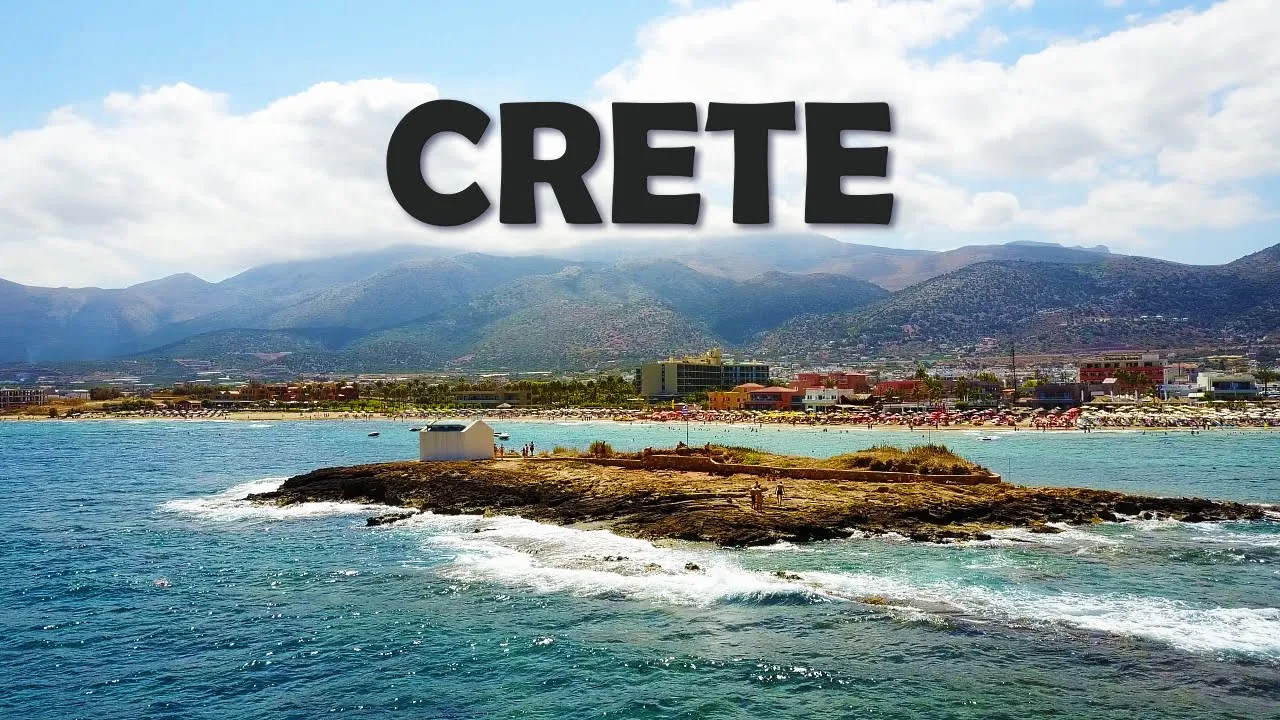
West Crete Travel Video with AI Editing
Create a beautiful West Crete travel video from your raw footage in just one click.

Travel Video: Egypt & Petra
Capture your best Egypt moments in a perfectly edited video, synced to music—automatically.
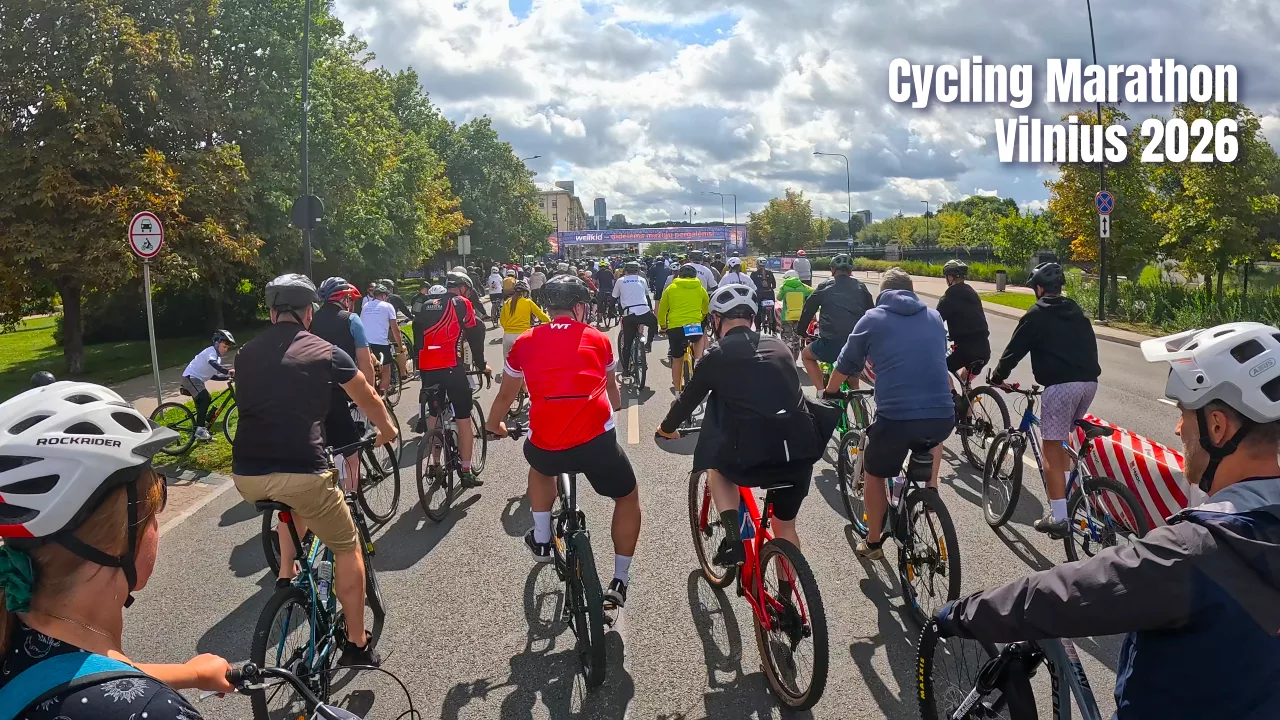
Vilnius Cycling Marathon Highlight Video
Relive Velomaratonas, the Baltics’ biggest cycling event, in a fast, auto-edited highlight reel.

One-Click Neringa Travel Video
Let AI craft a beautiful highlight reel of your Neringa trip—effortlessly.

AI-Powered Iceland Hiking Video
Showcase Iceland’s epic landscapes in a cinematic video made from your raw hiking footage.

Family Kayaking Video – Auto Edited
Turn your kayaking adventure into a fun, music-synced family video—fully automated.

Rhodes Travel Video Made Effortless
Highlight Rhodes’ history and beauty in a stunning travel video made with no editing skills.

Sellaronda Ski Trip Video in One Click
Generate a professional ski trip video from your Sellaronda footage—100% automated.
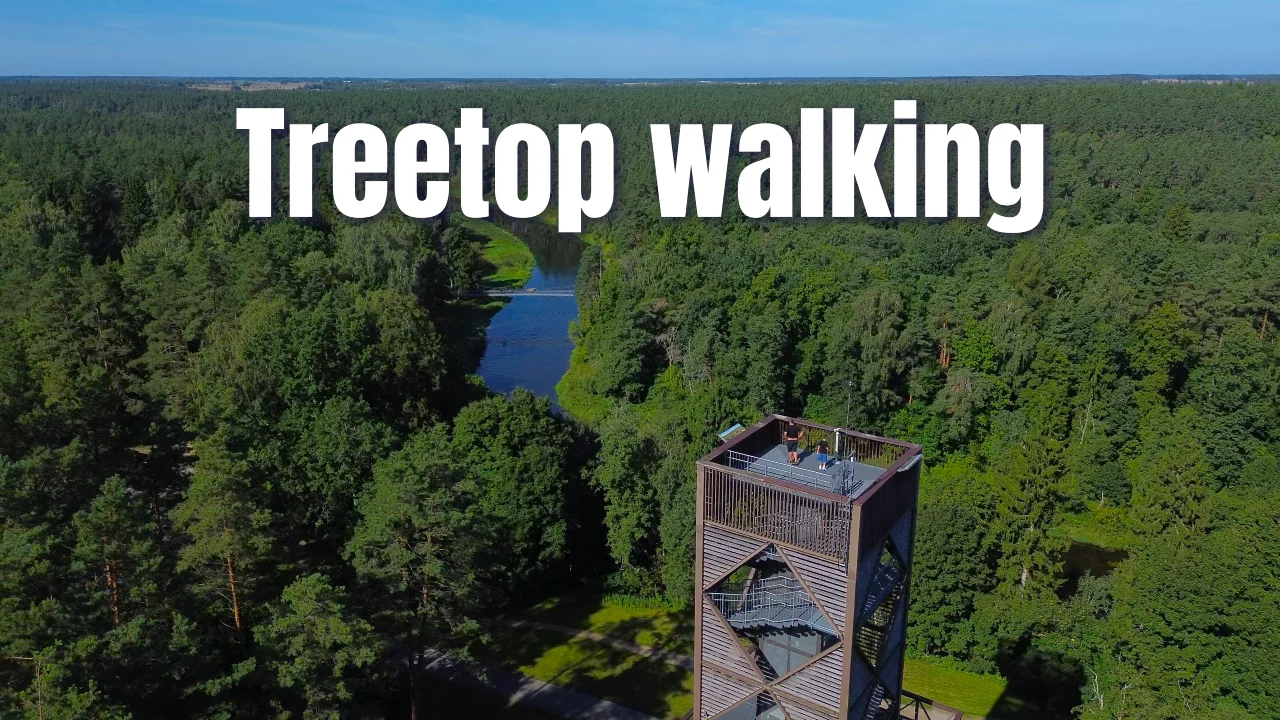
Anykščiai Walking Trails Video, Auto Edited
Treetop, barefoot, and sculpture park trails in Anykščiai—turned into a highlight video automatically.
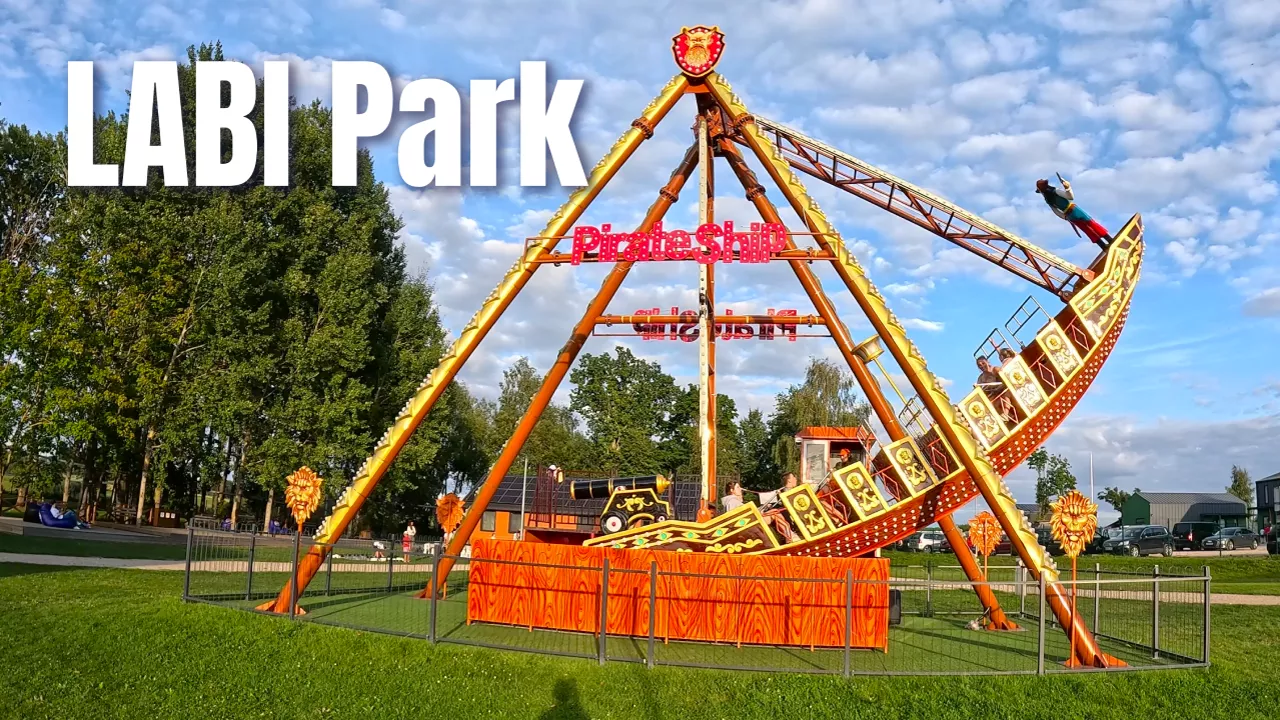
LABI Park Amusement Park Video, Auto Edited
A full family day of rides and roller coasters at LABI Park—turned into a highlight video automatically.
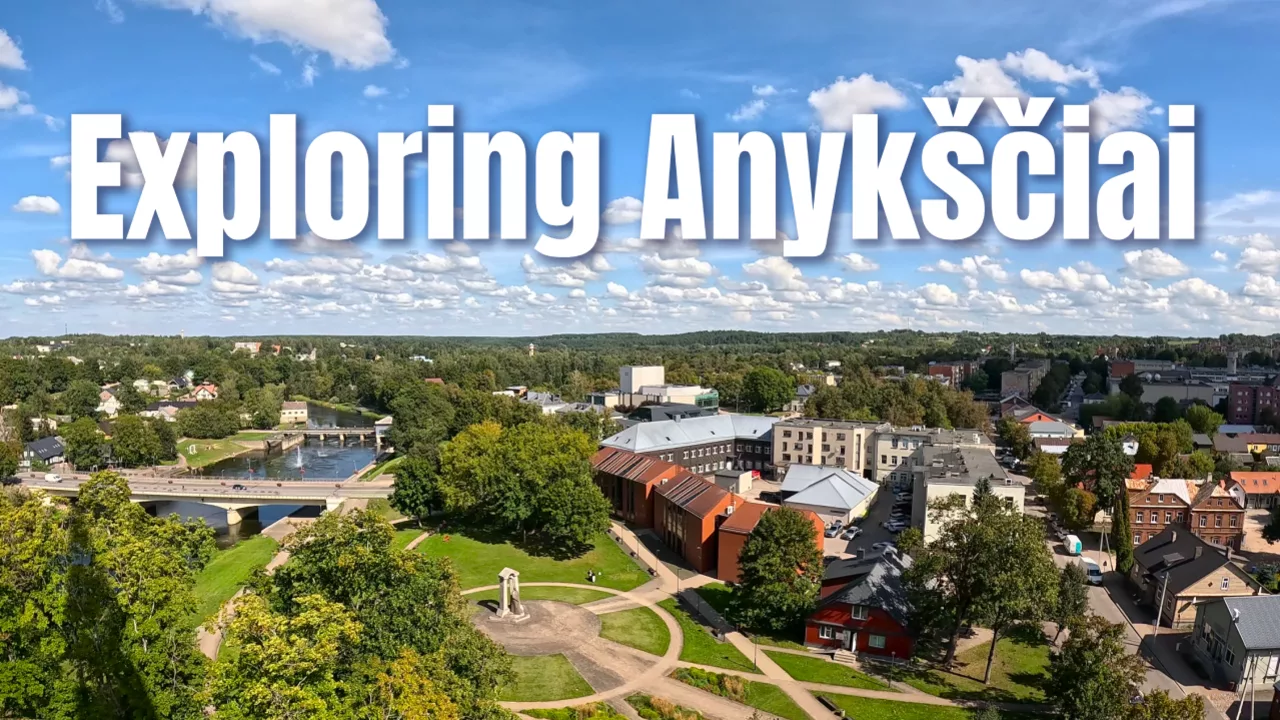
Family Day in Anykščiai, Auto Edited
Trails, sculptures, and LABI Park rides—a full family day in Anykščiai edited into one highlight video.
Frequently Asked Questions
Ready to Relive Your Best Travel Moments?
Upload your footage and let AI create a polished travel video — free to preview. Ready to share on YouTube, Instagram, or with the family.
Create My Video